
How to Search the Camden County Court Docket
Camden County does not run its own docket database. Instead, a North Carolina eCourts Portal search covers the county's court records statewide. Pick Smart Search to pull up a public Case Summary or Register of Actions. A full case number is the best key. A party name works too. Just type it in the published last, first middle suffix format. Then narrow the results to Camden. Registering a Portal account is optional for ordinary public searching, and it lets you save cases. It grants no extra reach into confidential material.
Skip the broad countywide query and start with the specific matter. Portal's own guidance allows filters by location. It also permits filtering by party information, case type, status, and filing-date range. A Camden case record might be criminal, civil, an estate, or a nonconfidential special proceeding. Only need a court date? Search Hearings gets there faster than scrolling a whole Case Summary. For paper files and certified copies, the Clerk remains the local route. It also answers anything the public view cannot.
- Open Portal and select Smart Search for the Camden County court docket or Case Summary.
- Enter the full record number, or use the party-name format and then set the location filter to Camden.
- Open the matching Case Summary and read its Case Events, Hearings, Dispositions, and other public categories.
- Use Search Hearings with Camden and the relevant hearing type when the needed fact is a date, time, or location.
- Take the exact case number to the Camden Clerk when a paper file, plain copy, certified copy, or confirmation is needed.
Note: A public Portal result is a fine way to spot court activity. When a certified copy is required, though, the official record comes from the Clerk.
Search Camden Case Summaries in Portal
North Carolina eCourts confirms that Camden runs on Enterprise Justice, known as Odyssey. Portal serves as the public route into case information. Smart Search wants a record number or a party name. The form can also trim results by case type, status, date range, and location. Its wildcard rules are picky. A record-number wildcard takes four characters plus an asterisk. A last-name wildcard takes three characters plus an asterisk. Type a short fragment and the results will disappoint.
Portal calls its Case Summary a near-real-time public display. Depending on the matter, it may show case information, assignments, and parties. It may also list Case Events, hearings, dispositions, and financial information. Civil, family, probate, and mental-health records may even list causes of action. A public result still does not open every document. Protected items and papers not yet posted online stay out of the ordinary display.
The official eCourts information page lays out the statewide system behind Camden court docket access.
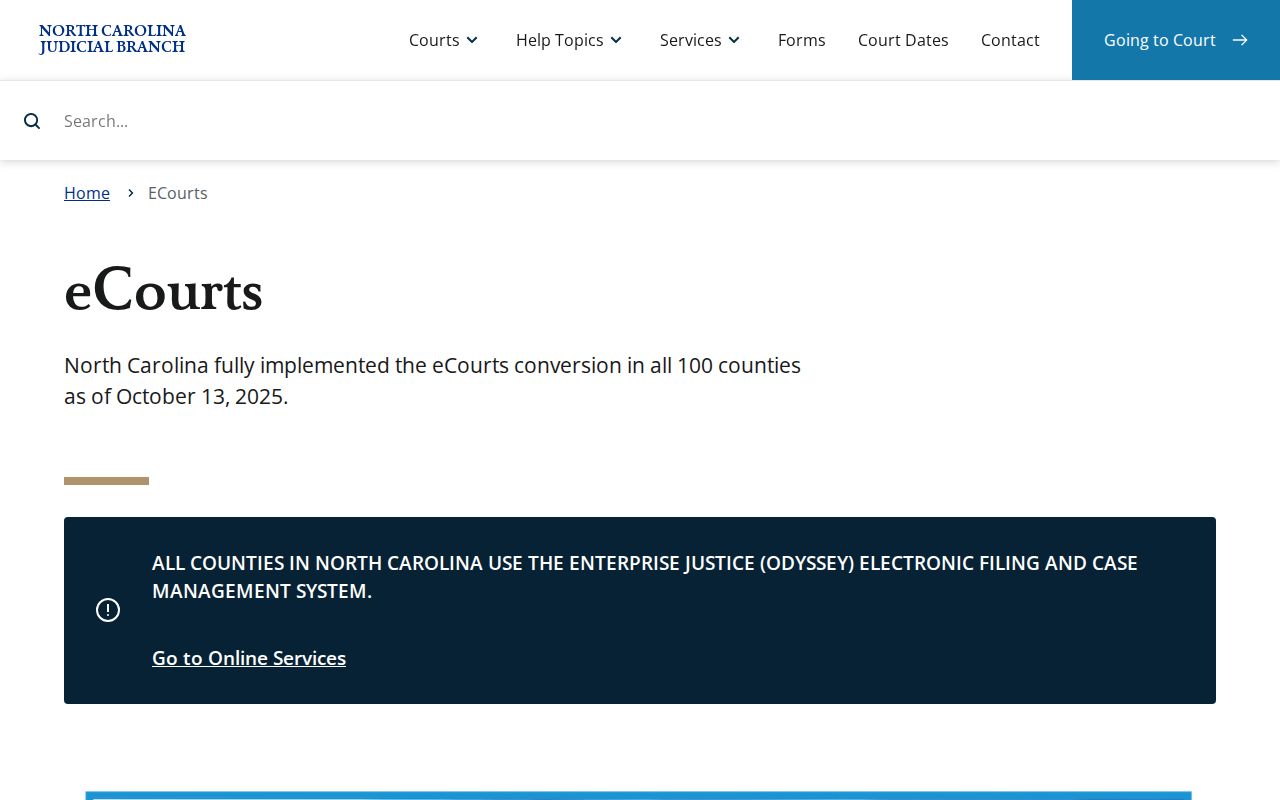
That statewide rollout is why a Camden search starts in Portal. The case file itself still lives with the local Clerk.
What a Court Docket Shows
For Camden, the practical docket view is the Portal Case Summary. It is also called the Register of Actions. Think of it as a running public account of the court activity available for a case. The chronological section carries the label Case Events. Not every matter shows all fields, document images, or historical papers. Use the summary to identify the case and see published activity. Then decide whether you need the Clerk-held file.
| Case number | Enterprise Justice uses a year, case-type letters, six-digit sequence, and county identifier. Copy the Camden suffix from the ticket, pleading, or Portal result rather than guessing it. |
|---|---|
| Case Information | Portal's core public case-details category for the case type. |
| Assignment Information | Published assignment or court information when available. |
| Party Information | Publicly visible participants and roles, subject to redaction and access limits. |
| Case Events and Hearings | The dated activity timeline and scheduled court events used to track the current status. |
| Dispositions and Financial Information | Outcome and monetary categories when they apply to the case. |
The official Camden Judicial Branch landing page ties together Portal, calendars, local contacts, and payment information. It makes no claim of a universal field layout.
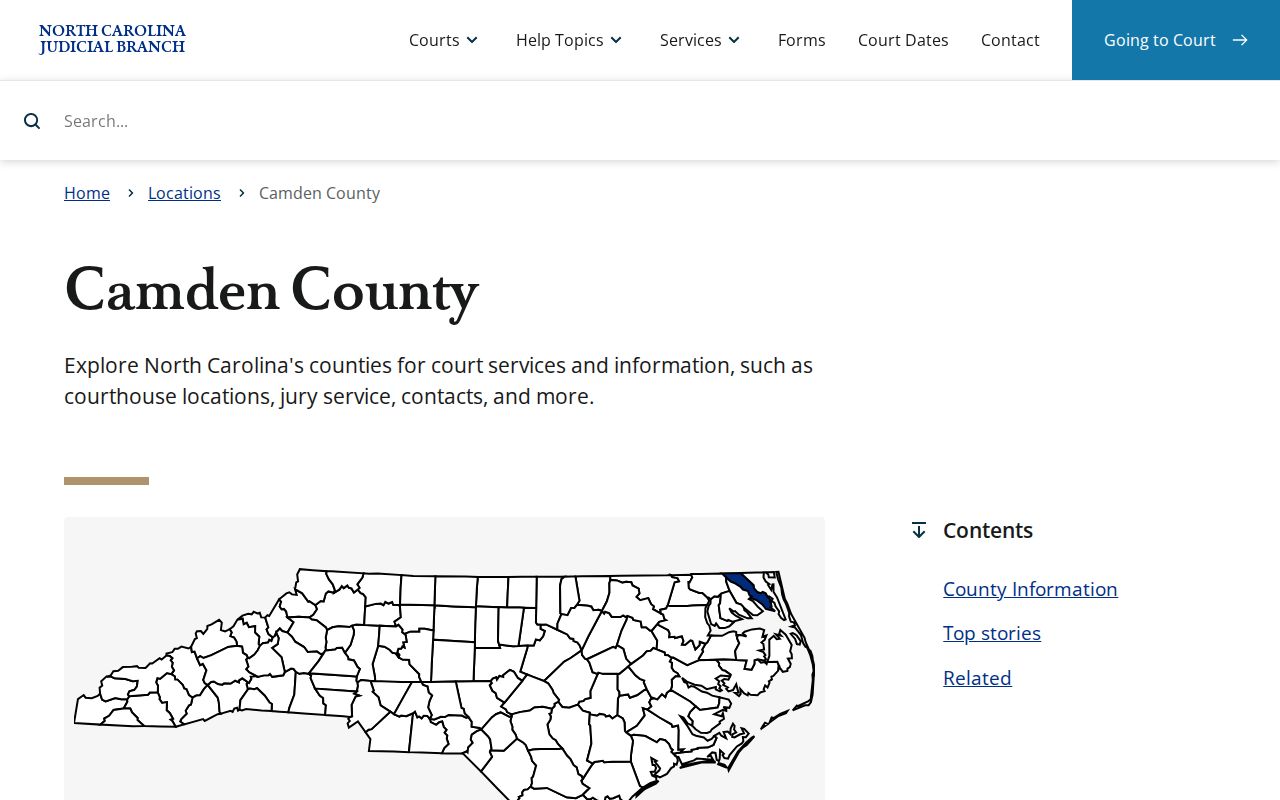
From that landing page, the Case Summary search route connects to Camden calendars, contacts, and payment details. It is a single hub for the pieces a docket reader needs.
Camden Case Summary Terms
The published labels guard against a common Camden docket mistake. That mistake is reading an older entry as the current result. A Case Event is a dated filing, hearing, order, or outcome in the timeline. A hearing is a scheduled court event. The disposition is the recorded outcome or status resolution. A continuance is an authorized postponement. A reset simply puts the matter on a different date. Always look first for the latest relevant Case Event or Hearing.
- Case Summary / Register of Actions
- Portal's time-ordered public summary of court activity for a case.
- Case Event
- A dated event recorded in the public timeline, such as a filing, hearing, order, or disposition.
- Assignment Information
- The Portal category for published court or judicial assignment information.
- Disposition
- The entered outcome or resolution of a matter.
- Certified copy
- A Clerk-issued copy carrying certification under seal when an official copy is needed.
The four-part case-number format explains why an incomplete number can mislead. Official material offers a statewide example, 21CR000003-910. It does not establish Camden's particular county suffix. Trust the number printed on the local citation, pleading, or search result. That beats treating a statewide illustration as a Camden code.
Which Courts Keep Dockets
Camden court dockets sit inside North Carolina's unified General Court of Justice. One office keeps the local files. The Camden Clerk of Superior Court holds them for both Superior Court and District Court. That includes criminal and civil cases, estates, special proceedings, judgments, and magistrate-created small claims. Court level still matters, since it points to where a case is likely assigned. The courthouse and Clerk stay local. Portal adds the statewide public search layer.
| Court or function | Docket covers | Where to search |
|---|---|---|
| Camden County Superior Court | Felonies, civil cases over $25,000, and criminal appeals from District Court. | Portal Case Summary and the Camden Clerk. |
| Camden County District Court | Misdemeanors, infractions, civil cases below $25,000, family, and juvenile matters. | Portal for public cases, then the Camden Clerk for the file. |
| Magistrate functions | Small claims up to $10,000, specified civil matters, warrants, bail, and qualifying minor pleas. | The same courthouse and Clerk structure; use Portal where a public case is available. |
| Clerk of Superior Court | Estates, special proceedings, judgment indexes, recordkeeping, copies, and certification. | Portal for public summaries; Clerk for the local court record. |
North Carolina's hierarchy places the trial divisions below the Court of Appeals and the Supreme Court of North Carolina. An appeal event can show up in a Camden Case Summary. Appellate docketing, though, is a separate search.
Camden One-Clerk Docket System
Camden's compact structure means no separate elected criminal, civil, and probate clerks. One name covers the office: Jennifer L. Gray, Clerk of Superior Court. Her office keeps the file across the trial divisions. That matters once a search moves past Portal. The next step may be an estate paper, a judgment record, a special proceeding, or a certified order.
Send local court document requests to the Clerk, not the Administrative Office of the Courts. The NCAOC public-record process covers only agency records it holds. It never replaces a Camden case-file request. Older papers need in-person inspection, copies, and certification. One Clerk office handles all of it. That office is the working center of the Camden court docket system. The county's Clerk directory names the local records office.
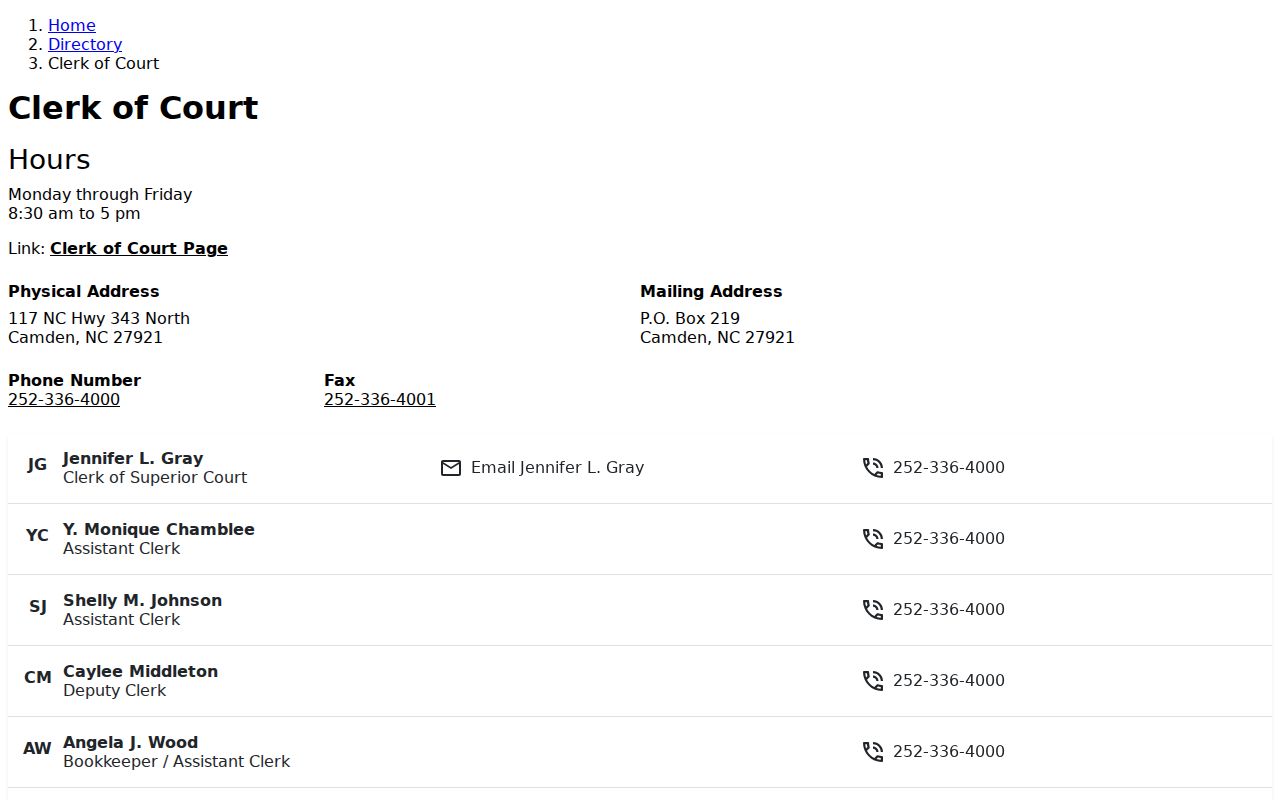
One Clerk serves both trial divisions in Camden County. The directory follows that single Clerk route, since no separate municipal or county docket office exists.
Finding Court Dates and Settings
Three channels can answer a Camden court-date question. A Portal Case Summary has a Hearings area. Portal Search Hearings stands on its own. County-filtered civil and criminal calendar pages round out the set. When you mainly need a date, a time, or where a hearing now sits, use Search Hearings. It covers Camden by case number, party, business, attorney, bar number, judicial officer, or courtroom once you pick a hearing type and date range.
Tracking one case? The newest Hearing or Case Event beats a stale calendar entry every time. For recurring context, the 2026 District 1 schedule puts Camden criminal District Court sessions on the second Wednesday and last Friday of each month. Availability, conflicts, holidays, and special sessions can shift them. Those sessions frame the calendar; they never override the setting attached to the actual Camden case. For the full date-search path, see the Camden County court calendar. One caution: Portal may not flag every hearing as virtual or in person. Confirm uncertain settings with the Clerk.
Camden Portal and Calendar Checks
When Portal and a calendar page disagree, work in a fixed order. Start with the Case Summary for the newest Case Event and Hearing. Next, run Search Hearings. Use the Camden location and the right Civil, Criminal, Family, or Probate or Mental Health filter. The Judicial Branch also links straight to Camden Civil Calendars and Camden Criminal Calendars. Both need JavaScript. Portal stays the deeper search tool.
A continuance often explains the mismatch. Under District 1 rules, the Clerk may grant one continuance for cause in a waivable offense before the stated deadline. Nonwaivable matters take court action. An old hearing can thus linger in the event history after a newer setting exists. A missed date or a weather closure is one more reason to call the Camden Clerk at (252) 336-4000. Don't trust an earlier calendar row.
Public Access to Dockets
North Carolina law opens the Clerk's nonrestricted records, files, dockets, and indexes to public inspection during regular office hours. Another law can override that. The North Carolina Public Records Act sets the wider policy of access at minimal cost. Even so, access to a court file still turns on the record type and any confidentiality rule. Portal serves as a handy public reference view. The Camden Clerk holds the local file and issues official copies.
Key Rules:
G.S. 7A-109 requires the Clerk to maintain court records, dockets, and indexes and generally opens them to public inspection.
G.S. 132-1, the North Carolina Public Records Act, states the policy for obtaining public records at minimal cost unless another law provides otherwise.
G.S. 7A-308 sets Clerk fees for copies, certificates under seal, and exemplifications.
G.S. 7B-3000 makes juvenile records unavailable for ordinary public inspection except through authorized access.
Ordinary court dockets are public, yet that status never spreads to everything. Confidential case types, unreturned warrants, protective orders, protected personal information, sealed material, and expunction records stay closed because the applicable restriction controls.
Why Camden Docket Searches Miss Files
A blank Portal result does not prove a Camden court file is absent. The matter may be confidential, sealed, or expunged. It may sit absent from the public online view, still indexing, or simply an older paper file. Registering with Portal unlocks none of these. Juvenile records show how this works, since North Carolina law sharply limits their inspection. The right move is to refine the docket search. Then ask the Clerk about the proper local records channel.
Use the complete case number when you have it. Narrow a broad name search with the Camden location filter. Check that the case type belongs in the public Portal view at all. Older files predate Camden's digital conversion. Some show no visible public document. For these, the public terminal and paper-file route at the Clerk's office beat repeating the same query. Need a certified copy? That comes from the Clerk, never from a printed Portal screen.
The Clerk and Docket Records
The Camden Clerk of Superior Court keeps the local court file. The records behind any public Case Summary sit there. Self-service terminals at Clerk offices let the public run criminal searches by name or case number. The terminals also reach civil, special-proceeding, and estate records. For a Camden case, the Clerk also handles paper-file inspection, staff copies, and certification. Odd questions about an older document that Portal never shows go there as well.
Plain copies carry a set price under G.S. 7A-308: $2.00 for the first page of each document and $0.25 for each additional page or fraction. A certificate under seal costs $3.00. An exemplification runs $10.00. Confirm the total, availability, and delivery method before any large request. By mail, Camden takes a money order or certified check at PO Box 219. At the counter, cash, cards with any processing fee, money order, and certified check all work. Personal checks are not accepted.
Camden Clerk of Superior Court
117 NC Hwy 343 North
Camden, NC 27921
Mail: PO Box 219, Camden, NC 27921
(252) 336-4000
Weekdays, 8:30 a.m. to 5:00 p.m.
Use the official Camden court contact directory to confirm office lines.
The official contact directory is the appropriate source for local office lines.
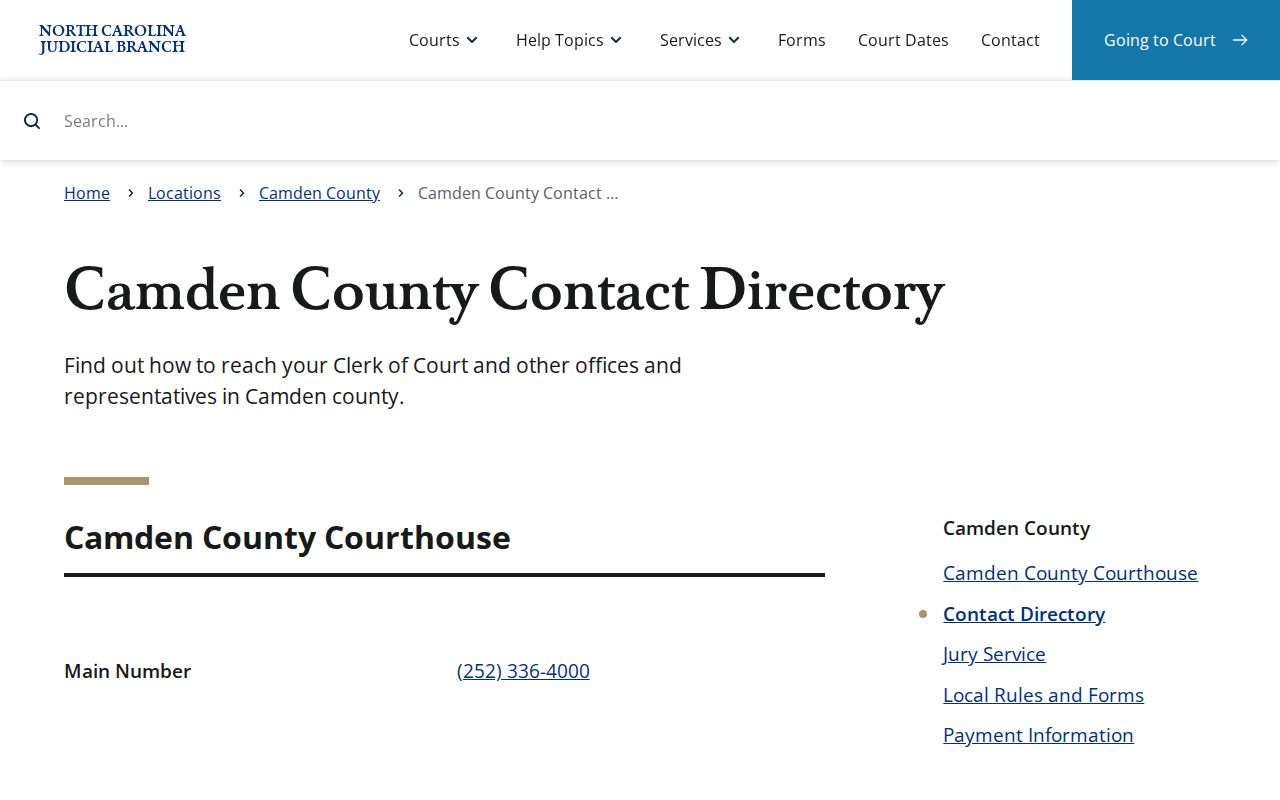
Heading to the Clerk's office for an older file? Call first. A certification, an accommodation, or a large copy request all go smoother with a quick call before you travel.
Camden Odyssey Transition and Papers
Camden joined the eCourts Track 3 rollout on February 5, 2024. That brought eFiling, Portal, and Enterprise Justice. Legacy inquiry access went away with that change. Not every old paper became an online image, though. Transition guidance from the Judicial Branch kept paper documents that existed at go-live in the Clerk's office. It also warned that conversion periods could delay indexing of paper filings.
What Camden has now is a two-channel docket system. Start with Portal for a contemporary public Case Summary. Portal also offers Search Hearings, eligible public documents, and judgment searching. Turn to the Camden Clerk for an older paper, a filing that has not indexed, a nonpublic-access question, or an official copy. Attorneys file through Enterprise Justice and File & Serve. Yet public Portal searching stays a separate route into the court docket.
Camden Courthouse Record Continuity
The courthouse holds more than the Camden docket address. County history records a wooden courthouse on the site in 1782. A fire followed in 1846. A red-brick replacement was finished in 1847. Fireproofing came to the Clerk and Register record spaces in 1898. Later work added vaults. A 1996 addition enlarged the Clerk and Register areas while adding a courtroom and an elevator. That long paper-record story explains why questions about older court records still belong at the local courthouse. Camden's historic courthouse page records the building history and the local continuity of court records.
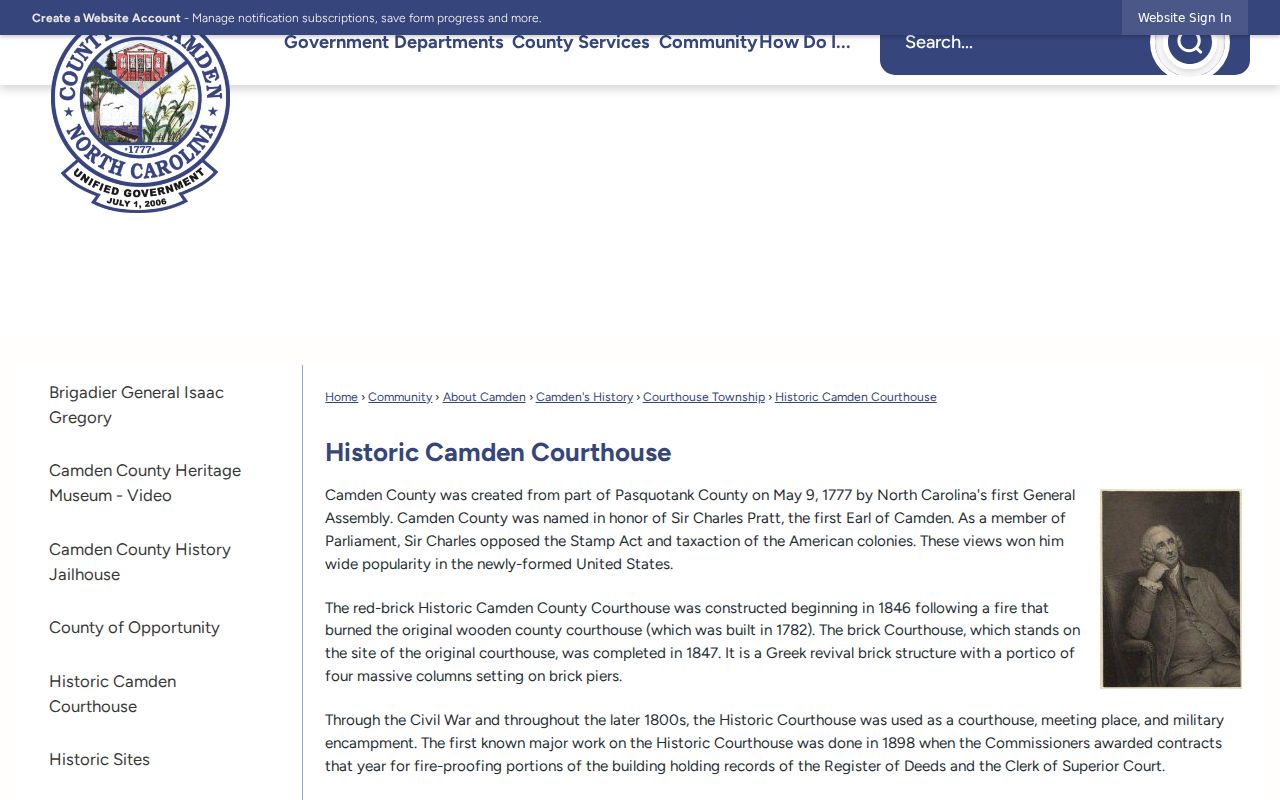
That recordkeeping history points to a Clerk inquiry whenever a Camden document predates the online transition or lacks a public image. The official courthouse page provides the current court location information. Check there before any visit.
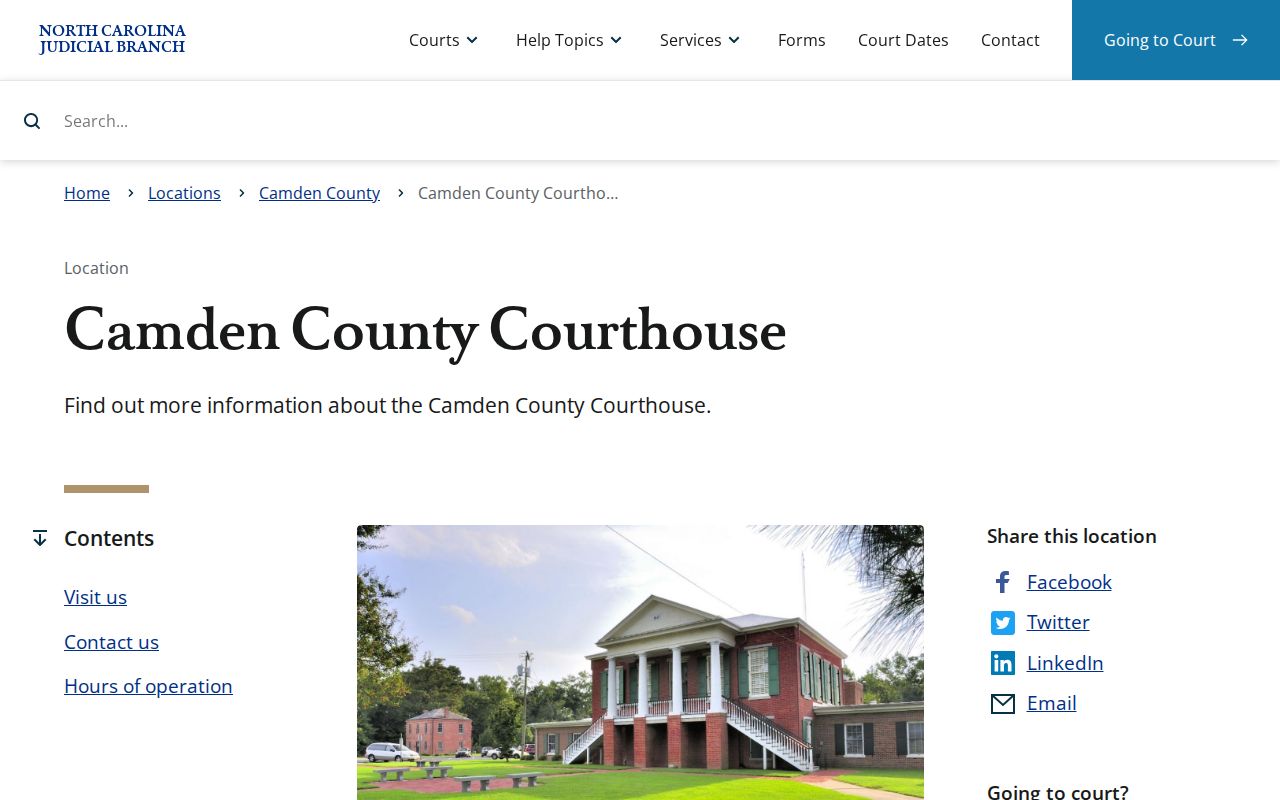
The current courthouse remains the local setting for the Clerk, court sessions, paper-file questions, and public access to the court docket. Camden's county history supplies the wider local context for the courthouse site.
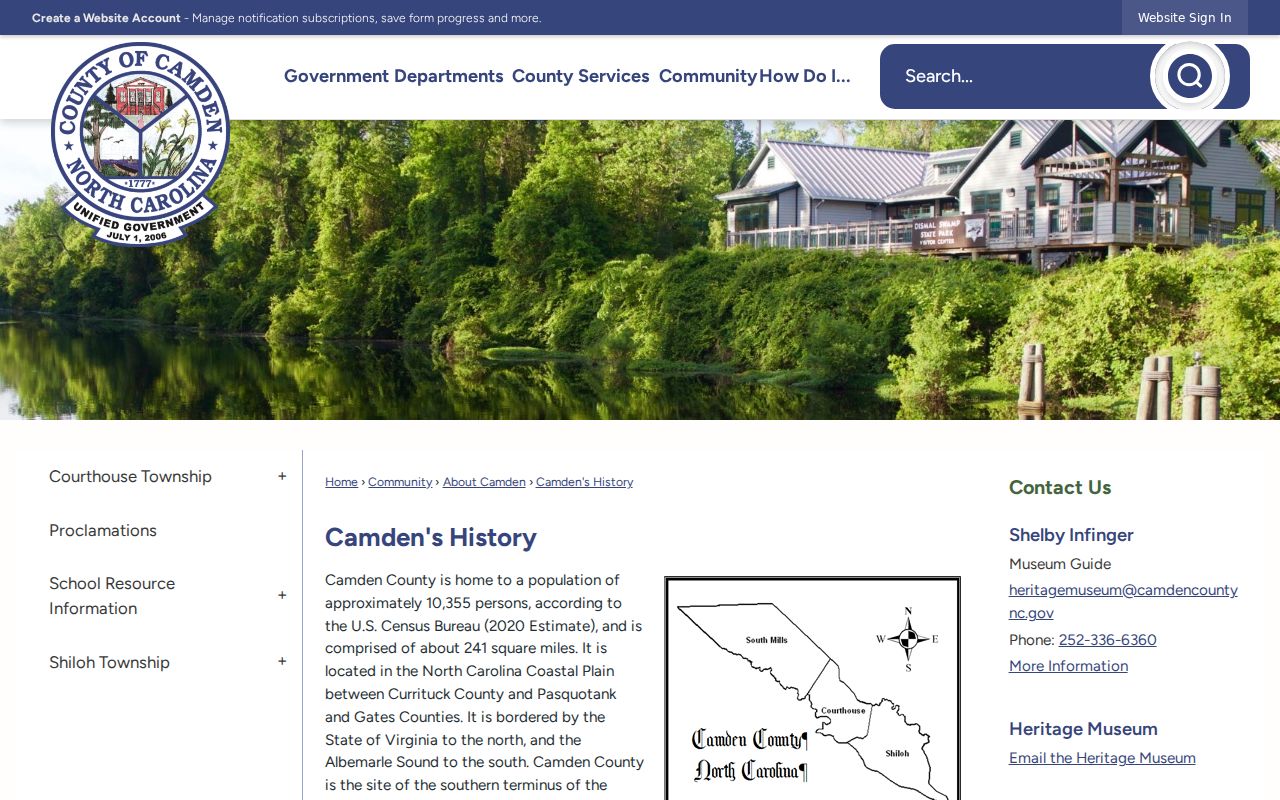
The lesson from that history is simple. A modern court docket search and a physical records inquiry can both be necessary in Camden.
Federal Dockets Outside Camden
A federal case never lands in the Camden Clerk's docket. Camden County sits in the U.S. District Court for the Eastern District of North Carolina, Northern Division. Federal dockets and documents run through PACER. CM/ECF handles the federal court's filing and case management. The Elizabeth City federal office is listed as not staffed. So do not route a Camden court record question there. State and federal cases live with separate keepers and separate docket systems. PACER's fee explanation states a charge of $0.10 per page and a $3 cap for docket sheets and many case-specific reports or documents. A quarterly fee waiver applies at the published threshold.
PACER is a federal channel only. It is no substitute for Portal or the Camden Clerk's state-court record. Eastern District of North Carolina CM/ECF information describes federal electronic filing and docket access.
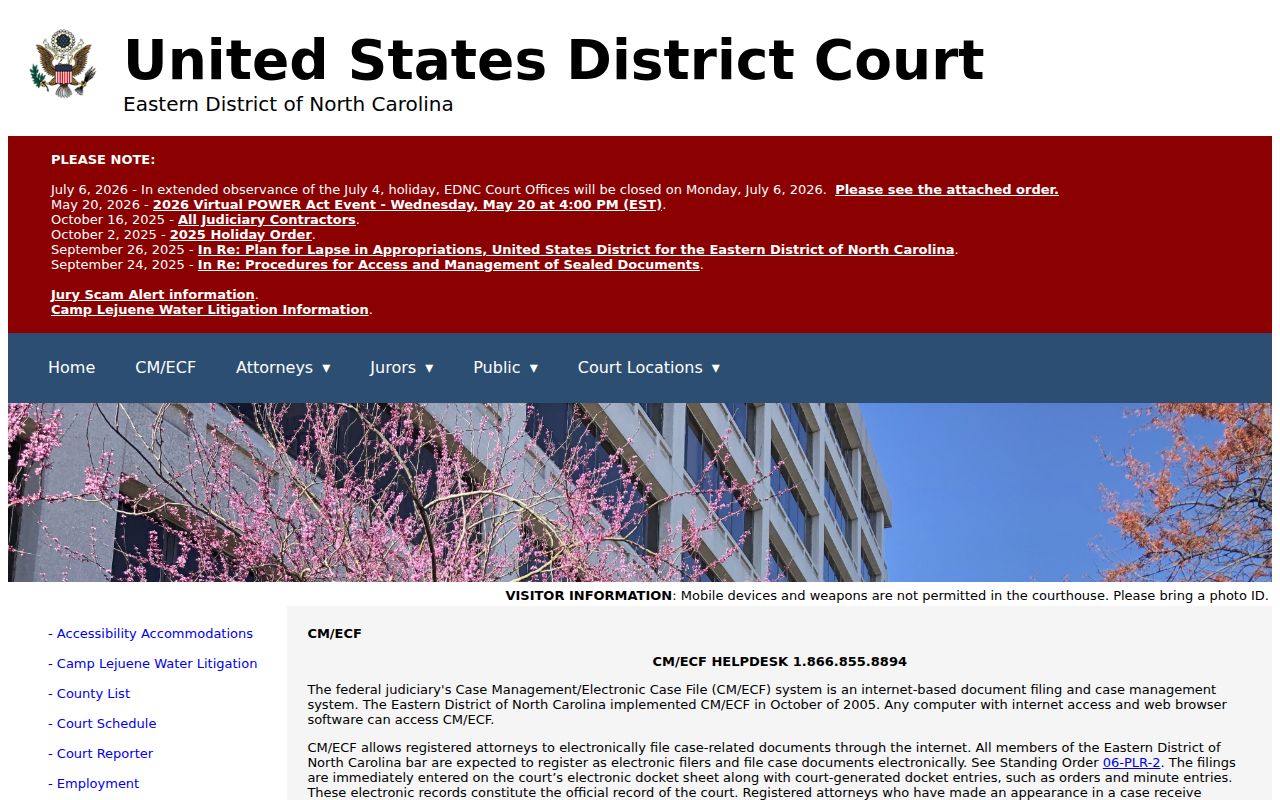
The federal divide only matters when a case was filed in federal court rather than a Camden County trial court. Otherwise, stay with the state docket.
Court Dockets by City in Camden County
Camden County has no incorporated municipal court or municipal docket system to list. The county recognizes the Courthouse/Camden, South Mills, and Shiloh townships. Those are townships, not incorporated cities with their own court clerks. A small slice of Elizabeth City crosses the county line. But its main municipal area and the Pasquotank County courthouse sit outside the Camden court-record system. The citation or filing itself names the county and court that control the record.
A matter filed in Camden belongs with Portal and the Camden Clerk. For an Elizabeth City matter, confirm the filing county first. Do not assume the Camden court docket applies. No city docket page appears here. Camden posts no municipal court, city citation portal, city court calendar, or city clerk record route.
Map and Directions to the Camden County Courthouse
Superior and District Court files for Camden County are kept by the Clerk of Superior Court at the Camden County Courthouse, 117 NC Hwy 343 North, in the village of Camden. It is the only courthouse in the county, holding the Clerk, local court sessions, and the magistrate's office in one building. The red-brick Greek Revival courthouse was completed in 1847 after an earlier wooden courthouse burned in 1846, and a 1996 addition expanded the Clerk's space and added an elevator.
Camden County Courthouse
117 NC Hwy 343 North
Camden, NC 27921
Mail: PO Box 219, Camden, NC 27921
(252) 336-4000
Monday through Friday, 8:30 a.m. to 5:00 p.m.
No official source publishes the courthouse's parking rules, a security-screening procedure, or the location of the public terminal, so calling (252) 336-4000 ahead of a records trip is the safer plan, especially for an older file, a certified copy, or a disability accommodation.