
How to Search Criminal Dockets
Camden runs its criminal case lookup on the North Carolina eCourts Portal. The county adopted it with Enterprise Justice in February 2024. Open Smart Search. Type a full record number, or a name written last, first middle suffix, then apply the Location filter to cut a long result list down to Camden. The default public view is the Case Summary. It is also called the Register of Actions, a chronological display that is not a Clerk-certified record.
The best key is a complete Camden file number. Portal documentation lays out the statewide pattern: a two-digit year, case-type letters, a six-digit sequence, and a three-digit county identifier. The state's example is not a Camden number. Copy the county identifier from a citation, pleading, or Portal result instead of guessing. Name searches can be narrowed by case type, status, party data where permitted, and filing-date range. Portal recommends its default Party Name or Case Number behavior for routine lookups.
- Open Portal Smart Search and enter the case number or the person’s name in the documented format.
- Use Location to focus the Camden result set, then review the case type and public party information before opening a result.
- Open the Case Summary / Register of Actions and read the current Case Events, Hearings, and Dispositions entries.
- For a date rather than a case timeline, use Portal Search Hearings with Camden and the Criminal hearing type.
- Ask the Camden Clerk for a paper-file check, copy, or certification when Portal does not answer the record question.
Camden Criminal Hearing Search
When the question is where and when, use Portal's Search Hearings for the Camden criminal calendar. Pick Camden as the location. Choose Criminal, set a date range, and search with the strongest key available. Camden's published options include case number, party name, business name, attorney name, attorney bar number, judicial officer, and courtroom. Unlike Smart Search, this tool returns current hearing times and locations.
One caution from the official Portal training materials: virtual or in-person status is not always a calendar field. Cross-check any Camden result against the newest Hearing or Case Event in the Case Summary. Still unclear? Call the Camden Clerk at (252) 336-4000, the office that actually holds the file. The District Court judges' office is (252) 331-4500. Superior Court is (252) 331-4501; those lines offer scheduling context but no substitute for the Clerk's record.
Note: a hearing result shows one current setting. The Case Summary keeps the full public event timeline for the criminal case.
What a Criminal Docket Shows
A public Camden criminal Case Summary can include the case number, Case Information, Assignment Information, public Party Information, Case Events, Hearings, Dispositions, and Financial Information where it applies. Camden's official materials publish no complete charge-code list, bond layout, or document layout. So a missing block on the screen proves nothing. It does not show the fact is missing from the court file. What shows publicly depends on case type and access rules.
| Case number | A four-part Enterprise Justice identifier. Camden’s county identifier should be copied from the actual record, not inferred from an example such as 21CR000003-910. |
|---|---|
| Case Information | The public case-details category Portal provides for that case type. |
| Assignment Information | The block to check for assigned court or judicial information when it is publicly displayed. |
| Case Events and Hearings | The dated public timeline and scheduled setting information used to identify recent activity. |
| Disposition and financial information | Outcome and applicable financial categories when Portal has them available for that Camden case. |
One caution about reading the screen. A docket row is not an order or judgment image. When you need an official copy, the Camden Clerk, not the public display, is the certifying source.
Camden Criminal Case Summary Fields
Portal labels are consistent for Camden cases, so a Camden criminal docket reads the same way each time. Case Events are the dated timeline entries. Hearings mark scheduled court events. A disposition is the recorded outcome, once one has been entered. Financial Information appears only in some cases. For a current status question, trust the later entry over an earlier setting that may have moved.
- Arraignment
- A criminal court event in which a charge is addressed and a plea may be entered.
- Pretrial
- A setting before trial used to resolve readiness or other issues.
- Continuance
- An authorized postponement of a scheduled Camden court event.
- Reset
- Plain language for moving a case to a different date after a prior setting.
- Disposition
- The recorded outcome or status resolution of a matter.
Portal does not promise that every Camden record displays every term, document, or detail. The published criminal schema confirms the categories, not every possible field value.
Camden Criminal Portal Limits
The public Camden Case Summary updates in near real-time, yet it is not a certified docket. A row can flag activity and a setting. Certified orders and judgments come only from the Clerk. Keep that line in mind whenever the question turns on a court-file document rather than the public timeline.
Stages on a Criminal Docket
A Camden criminal docket usually opens with the charging stage. Early appearance or bond activity often follows. Later Case Events may show arraignment, pretrial work, motions, hearings, a continuance, plea or trial activity, disposition, and any financial outcomes. Exact order and labels vary by case. Read a Camden Portal record as a dated history. Check the most recent Hearing or Case Event before relying on an older entry.
Docket flow: Filing → Arraignment → Pretrial → Plea or Trial → Disposition → Sentencing
Appealing a District Court misdemeanor or infraction? The local Camden case can show an appeal event, but the appellate docket is separate. Felonies are heard in Superior Court. The North Carolina Court of Appeals is the usual next state appellate court.
Camden Criminal Session Pattern
Camden District Court criminal sessions in 2026 fall on the second Wednesday and the last Friday of each month, according to the current First Judicial District scheduling order. Treat the pattern as orientation. It is not an individual setting notice. The same order permits special sessions. Judge availability, courtroom availability, court conflicts, state holidays, and other conditions can shift a published date, so confirm your own Camden criminal docket through Portal or the Clerk.
The Judicial Branch supplies a county-filtered official Camden criminal calendar for anyone tracking a session. That channel comes straight from the state courts.
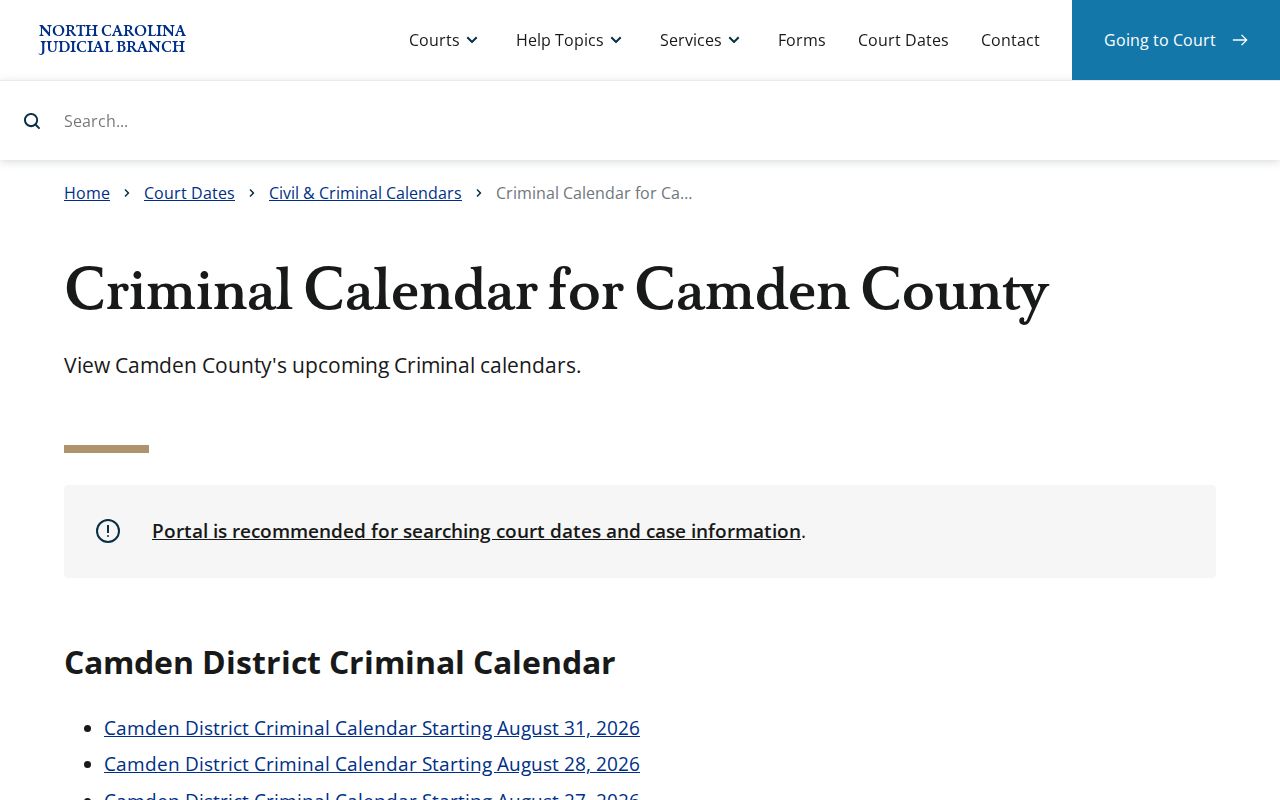
The Camden criminal-calendar view offers a broad check beside the case-specific Portal Hearing entry; neither replaces confirming a changed setting. A recurring session pattern helps you orient. The newest case-level hearing information controls the practical date check.
Camden Criminal Continuance Rule
District 1 policy gives the Clerk power to grant one continuance for cause, and only in a waivable matter, before the stated pre-session deadline. Nonwaivable matters are different. Those need action from the court itself. So a Camden criminal docket may still show an older hearing entry even after the controlling setting has moved. Trust the newest hearing line and the Case Event instead. The first date you spot is not always the current one.
Which Court Holds Criminal Dockets
Camden County runs its criminal cases through a few different court levels. The records still live in one place. The Clerk of Superior Court keeps the trial-court file no matter which level hears the case. Camden County Superior Court takes every felony. It also takes misdemeanor and infraction appeals that come up from District Court. District Court itself handles misdemeanors and infractions when no jury is involved. Magistrates can issue warrants, set bail, and take pleas in certain minor matters. Still, every route funnels back to the same local Clerk and the same Portal access chain.
The court category on a Camden docket tells you where a case is probably being heard. It does not tell you which elected office keeps the record. The courthouse directory lists the Clerk, Superior Court, District Court, and magistrate functions all at the same Camden courthouse. Treat a magistrate function as a job, not as a separate public docket office.
Camden Clerk Criminal File Access
Start with the Clerk for anything official. The public Portal Case Summary for Camden is not a certified criminal record. Need a certified copy, paper-file inspection, or certification? The Camden Clerk of Superior Court is the office to visit.
A statewide court-records rule helps too. It confirms that public self-service terminals in Clerk offices can search criminal cases. Look by name or case number. That fallback matters for older papers that predate Camden's move to eCourts. It also covers material an online display never shows.
The state Judicial Branch posts official Camden local rules and forms. The Camden court contact directory lists each local court office and how to reach it. The Clerk still holds the Camden criminal file itself.
The local-rules page is handy for procedure. It cannot turn the public Portal view into a certified Camden docket.
Public Access and Sealed Criminal Dockets
North Carolina leans toward openness. Clerk-maintained files, dockets, and indexes stay open for public inspection during regular office hours unless another law closes them. A Camden public criminal Case Summary may show published case details, events, hearings, dispositions, and applicable financial information. Sealing, expunction, and personal-information protections still limit what appears.
Key rules for Camden criminal dockets:
G.S. 7A-109 requires each Clerk to maintain court records, files, dockets, and indexes and makes them open unless law provides otherwise.
G.S. 7B-3000 withholds juvenile records from public inspection except through the limited access routes the statute provides.
G.S. 15A-151 addresses confidential expunction files maintained by the Administrative Office of the Courts.
A missing Camden result proves nothing. Sometimes the record is sealed or expunged. Other times a protected warrant, a confidential category, a migration issue, or an older paper file explains the gap, and a Clerk inquiry settles it.
Camden Criminal Appeal Entries
An appeal shows up on a Camden criminal docket as a Case Event, usually a notice of appeal listed in the Case Summary. That entry marks a step, not a transfer. The local court record stays valuable for the full trial-court history, from filing to sentencing. Appellate docketing is a separate system, tracked through the North Carolina Court of Appeals rather than the Camden Clerk. So one appeal event does not merge the two dockets into a single record. Each court keeps its own file, and each tells its own part of the story.
Camden Criminal File Not on Portal
Start by running the Camden criminal search again with a complete case number. Or tighten the name and Location combination. Still nothing useful? Call the Camden Clerk. Visit the courthouse public terminal, or ask whether the case lives in a paper file at the Clerk's office. The NCAOC public-record request form covers agency records held by NCAOC itself. It cannot replace a request for a Camden case file. For a local court docket, the Clerk is where you begin. The official Criminal and Infraction Case Activity Report lists the statewide categories counties use. Counties rely on those categories to report criminal and infraction activity.
A Camden County criminal docket does not live in one tidy online bundle. The report page gives you the category view. Real answers come from a single Camden Case Summary, a Camden calendar entry, or the file the Camden Clerk keeps in hand.
One trip can settle it. Ask the clerk about an older Camden paper record before you treat a missing online result as the whole story. A gap online rarely means the criminal docket is complete.