
The Camden County Court Calendar
Camden gives residents three date channels that work together. The North Carolina eCourts Portal offers Hearing and Case Summary areas. Portal Search Hearings is part of it too. The Judicial Branch publishes county-filtered Civil Calendars and Criminal Calendars pages. Each channel answers a different question. A Camden Case Summary lays out the public timeline for a known case. Search Hearings is built for current time and location results. The civil and criminal calendar pages add an official view filtered by case type.
The county landing page links out to Camden calendar results. One caution applies: the calendar interfaces are JavaScript-driven. So treat any Camden calendar date as current information to confirm rather than a promise that the setting cannot move. Portal is the detailed query route for Camden. Its official guide describes the location, hearing type, date range, and search-key controls.
Camden Portal Search Hearings
Search Hearings is the Portal feature made for a Camden court date. Set the Location to Camden. Then pick All Hearing Types or the specific Civil, Criminal, Family, or Probate or Mental Health option. Enter a date range and choose a search type. The published choices are Case Number, Party Name, Business Name, Attorney Name, Attorney Bar Number, Judicial Officer, and Courtroom. Results return the current hearing location and time.
The official Portal training materials draw a clear line between two tools. Smart Search is the best route to a Camden case's Case Summary. It is also called the Register of Actions. Search Hearings is the date-focused route. Use them together when a Camden hearing date matters. A fresh result can be checked against the latest Case Event or Hearing entry in the case record. One limit to remember: Portal may not show whether a hearing is virtual or in person. Ask the Clerk when that detail matters.
How to Find Your Court Date
Start with the strongest identifier you have. A complete Camden case number works best. A name search can also work. Narrow it to Camden and the correct hearing type before you trust the result. Every official channel has its place: Portal for the public Case Summary and Search Hearings, the Camden civil or criminal calendar page, the Camden Clerk by telephone, and the Clerk's public terminal or paper-file route when an online result does not settle the question. The court prints no daily Camden calendar, so do not count on one.
- Run Portal Smart Search with the case number or party name, narrow to Camden, and read the latest Hearing or Case Event in the Case Summary.
- Use Portal Search Hearings with Location = Camden, the appropriate hearing type, a date range, and the most specific available search key.
- Check the county-filtered Camden Civil Calendars or Criminal Calendars page that matches the case type.
- If the online channels conflict, call the Camden Clerk of Superior Court at (252) 336-4000 and identify the case number and the date question.
- For an older paper record or an unresolved public result, use the Camden Clerk’s office public terminal or ask about the paper file. District Court scheduling questions use (252) 331-4500; Superior Court scheduling questions use (252) 331-4501.
Have an attorney? That lawyer can also advise you on the case. Even so, the access chain above relies only on the official Camden court and Clerk channels for the local record.
Camden Civil and Criminal Calendars
The Camden calendar pages and Portal each have their own strength. A county-filtered civil or criminal calendar has its strength too. It helps you place a Camden case within its case type. Portal Search Hearings accepts several specific search keys and returns current location and time information. The case-level Portal Hearing entry ties that result back. It connects to the fuller Camden Case Summary. The fallback is the Clerk's counter and public terminal. Use it for an older file, a paper document, or any public record that does not appear online.
| Camden date channel | Best use | Important limit |
|---|---|---|
| Portal Case Summary | Read the case’s dated Hearing and Case Events history. | It is a public case display, not a certified record. |
| Portal Search Hearings | Locate a current Camden setting by case, party, attorney, judge, or courtroom. | Virtual or in-person status is not necessarily shown. |
| Camden Civil or Criminal Calendar | Check the county-filtered calendar channel for the case type. | The public research did not establish a full row schema or posting interval. |
| Camden Clerk and public terminal | Resolve a file, paper-record, or access question. | Confirmation may still be needed for a case that has changed. |
The Judicial Branch court-dates page is the official statewide route to court-date and calendar information. Its Camden civil calendar channel supplies the county-filtered path for civil settings.
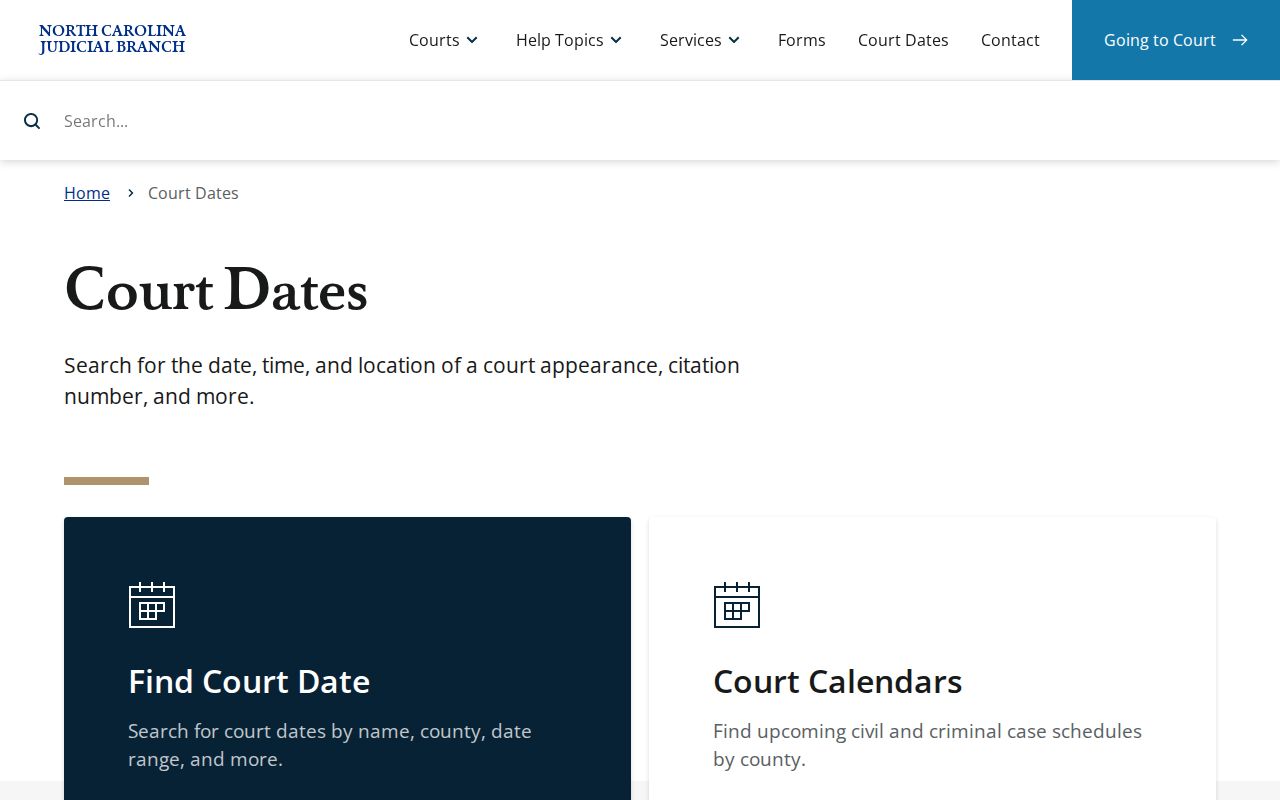
That statewide reference anchors the Camden access chain. Portal and the Camden Clerk then provide the case-specific confirmation channels.
Reading a Court Setting
A Camden setting is a scheduled court event, nothing more. The official materials identify the search key. They also give the selected Camden location, hearing type, date range, and the returned location and time. The public guide makes no promise here. Not every calendar row will show a party name, judge, courtroom, or virtual flag. Read each setting with that limit in mind. When an expected field is missing, the latest Camden Case Summary entry and the Clerk beat any guess.
| Date | The date within the Search Hearings range or the date shown in the Camden Case Summary’s latest Hearing entry. |
|---|---|
| Time | The current hearing-time result Portal provides. Confirm a changed or unclear time with the Camden Clerk. |
| Courtroom or location | Portal returns hearing location information, but the guide does not promise a specific room field for every Camden result. |
| Judge | Judicial Officer is a documented search type, not a guarantee that each calendar row names a presiding judge. |
| Setting type | All Hearing Types, Civil, Criminal, Family, or Probate or Mental Health is selected in Search Hearings; the case event may further describe the setting. |
One practical rule covers most of it. Read the newest date and event first, then confirm the setting if any doubt remains.
Camden Court Setting Terms
The Camden calendar uses statewide court concepts even though Portal publishes no county-specific abbreviation list. Knowing the common labels helps a reader. A reader can then tell a hearing that needs attention from a past event that simply sits in the timeline. These terms describe the role of a setting. The Case Summary controls what actually occurred in the specific Camden case.
- Arraignment
- An early criminal court event in which a charge is addressed and a plea may be entered.
- First appearance
- An early criminal setting often associated with felony procedure or release conditions.
- Pretrial
- A setting before trial for readiness, negotiations, or issues needing resolution.
- Motion hearing
- A hearing on a request that asks the court to act or rule.
- Continuance or reset
- A prior Camden setting has been moved to a different date.
- Disposition
- An outcome has been entered in the case.
Note: The latest Camden Hearing or Case Event beats an old setting row. A prior date may have been continued or reset.
Resets, Continuances, and Cancellations
Camden belongs to District 1. Its criminal scheduling rules explain something practical. A stale court date can linger in a docket after it no longer controls. Waivable offenses can receive one Clerk continuance for cause. The deadline is noon on the last business day before the scheduled session. Nonwaivable matters need court action instead. Anything later goes through written motion practice under the policy. Resets normally land inside the time frame the policy states. An officer's schedule and similar factors can affect timing. So the newest hearing or Case Event outranks the first date you spot in the record.
Civil scheduling runs a different route. A party wanting a District 1 civil hearing prepares and serves the Request for Civil Action Hearing / Order of Assignment. That party confers about availability, and submits it electronically. Approval brings an assignment order from the court. That means a Camden civil Case Summary can list a request or order before any hearing happens. For calendar changes, check Portal, the Camden calendar channel, or the Clerk.
Camden Criminal Calendar Pattern
Camden District Court criminal sessions follow a set rhythm. It comes from the current 2026 First Judicial District order. The criminal docket convenes on the second Wednesday and the last Friday of each month. Treat that as a clue, not a notice. The same order permits special sessions. It also cautions that judge availability, courtroom conflicts, state holidays, and other factors can shift things, so your actual Camden court date still comes from the case's Portal or Clerk record.
The official Camden criminal calendar channel gives you a case-type-specific public calendar. Pair it with the civil channel, Portal Search Hearings, and the case-level Hearing entry. A recurring session pattern cannot show every reset or cancellation in an individual criminal docket.
Note: A published session pattern helps you spot the relevant court cycle. It never replaces the current setting in the case record itself.
What To Do If You Miss a Setting
Missed a Camden court setting? Move fast. Check the Case Summary and Search Hearings for the newest public entry. Then call the Camden Clerk at (252) 336-4000 to confirm the court-file route and current status. In a criminal case, the record may pick up a failure-to-appear notation. It may also pick up a bond consequence. If an attorney represents you, that attorney is your first call for handling the missed setting and any response the court expects.
Missed a Camden setting? Do not assume an older calendar date still controls or that the matter will be reset automatically.
Use Portal and the Camden Clerk promptly to identify the latest Hearing or Case Event, then follow the court’s current instruction for the specific case.
For a criminal matter, a missed required appearance can be associated with a failure-to-appear or bond-forfeiture issue, so timely case-specific confirmation is important.
Camden Court Weather Closures
Weather sometimes closes the Camden courthouse. When it does, statewide court-date guidance says the affected case gets rescheduled. Notice usually goes out by mail. Once the doors reopen, confirm the new date through Portal, the Camden calendar channel, or the Clerk. Posted hours are weekdays, 8:30 a.m. to 5:00 p.m. Still, check on weather and holiday changes before you drive over rather than trusting the regular schedule.
The online date sometimes leaves you unsure, especially for older case material. The Camden Clerk's public terminal and paper files still do the job. The official Camden court contact directory is the right local starting point. The District Court and Superior Court judge-office lines handle their own scheduling questions. The Clerk remains the office that keeps the file.
Note: A weather closure only changes the calendar route. Wait for the court's rescheduling notice, then verify the new Camden setting before you appear.