
Searching Camden County Cases by Name
Camden County runs its name searches through North Carolina's eCourts Portal rather than a county-built lookup site. It is not a local system. Pick Smart Search. Type the name in the published order: last, first, middle, suffix. The Portal guide recommends the default Party Name or Case Number setting. That gives the most consistent everyday results. Common surnames return too much, so add detail when that happens. Filter by Location to pull a statewide result down to Camden. Then apply case type, status, party details, or a filing-date range where the public filters allow.
- Open Portal and select Smart Search for a public Case Summary or Register of Actions search.
- Enter the name in last, first middle suffix order, using the strongest spelling available.
- Set Location to Camden when a statewide name result is too broad, then add a public case-type, status, or date-range filter if useful.
- Open the matching Case Summary and compare its parties, assignments, Case Events, hearings, and disposition information with the known matter.
- Use Search Hearings instead when the immediate question is a setting rather than the broader case history.
Wildcards have rules. A last-name wildcard needs at least three characters plus an asterisk. A first name needs one character plus an asterisk. Anything shorter simply is not the documented method, so the search will misbehave. Business names fall under advanced search. Leading spaces or special characters can break a business wildcard quietly.
| Field label or control | Type | Required | Camden search use |
|---|---|---|---|
| Search Criteria | Text | Yes | Enter a record number or a name in last, first middle suffix format. |
| Advanced Filtering Options | Expandable control | No | Opens general, party, and case search criteria. |
| Location | Dropdown or filter | No | Select Camden to narrow a broad result. |
| Filter by Search Type | Dropdown | No | Published examples include Party Name and Business Name. |
| Party Search Criteria | Filter group | No | Party name and date of birth where public access permits. |
| Case Type | Filter group | No | Civil Actions, nonconfidential Special Proceedings, Estates, and Criminal Actions. |
| Case Status | Filter group | No | The accessible guide does not publish a complete value list. |
| Case Filing Date Range | Date range | No | Use the Portal’s documented filing-date filter when it will narrow results. |
| Submit | Button | Yes after criteria | Runs the Smart Search query. |
| Clear | Button | No | Clears entered criteria. |
Camden County Portal Case Search
Portal is the public face of Camden's Enterprise Justice case-management system, also called Odyssey. Camden began using it in February 2024. The state's Portal training and resources walk through the published controls. They recommend Chrome or Microsoft Edge, and they spell out how a public view differs from an official court record. Anyone can search anonymously. Registering is optional and mostly just lets you save cases through My Cases.
Camden's two trial divisions both sit behind this one statewide search channel. Superior Court carries the felonies and larger civil cases. District Court takes the lower-level matters assigned to it. Finding it online does not make a certified copy. The Camden Clerk holds the local file. That office answers certification questions.
The official Portal resource shows the system that powers this Camden County case search.
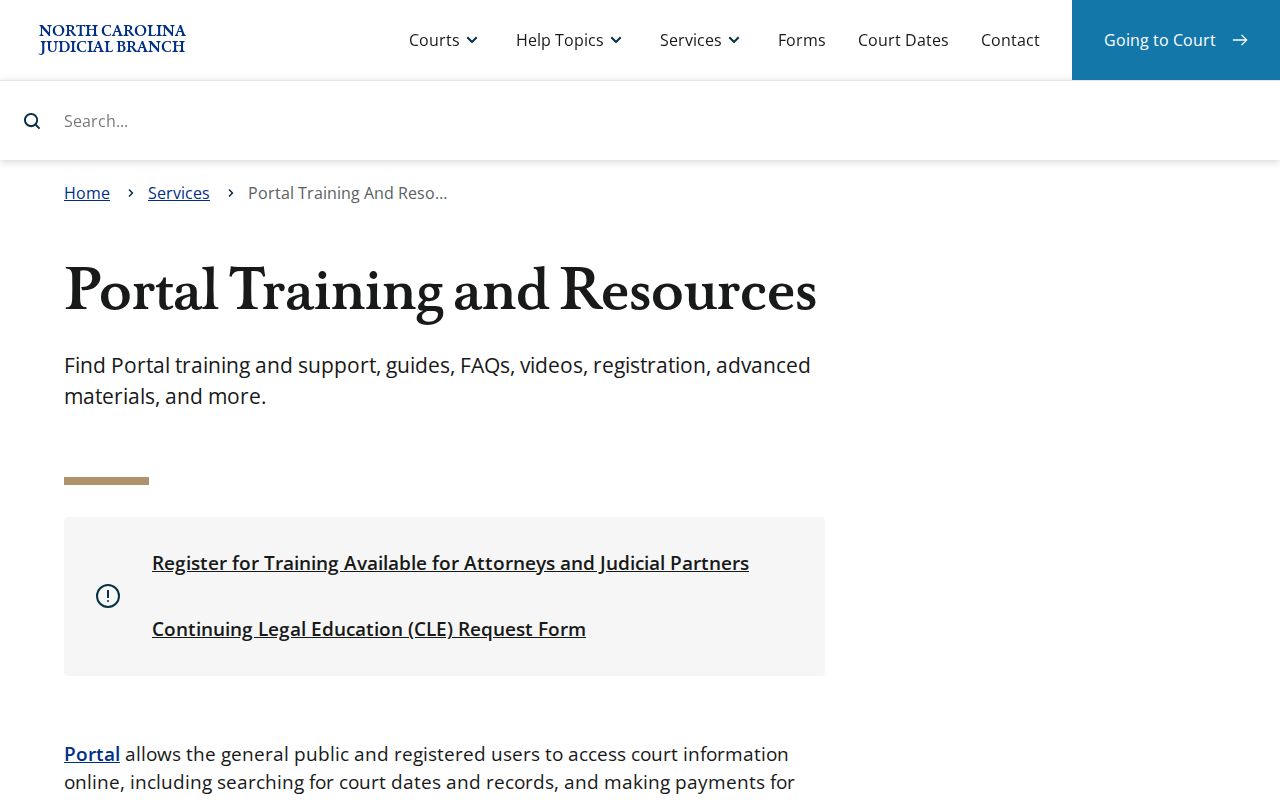
The training material backs Portal's documented filters and result categories. It also warns against reading the public display as the certified court file.
Searching Camden County Cases by Number
For a Camden County case search, a complete record number is usually the sharpest key you can use. Portal breaks Enterprise Justice case numbers into four parts. Those parts are a two-digit year, a letter case type, a six-digit sequence, and a three-digit county identifier. Written out, that structure is YYTT######-CCC. Copy the letters and county segment straight from the citation, the pleading, or the Portal result. The state does not publish Camden's specific three-digit suffix. Guessing it is a bad idea.
The training example 21CR000003-910 shows the statewide pattern only. It is not a Camden case number. When a number fails, check it character by character. Retry Smart Search before assuming the local matter is missing. If you lack a full number, fall back on a name search. Set the Location filter to Camden.
North Carolina Superior Court information gives the trial-division context for Camden felony and larger civil cases.
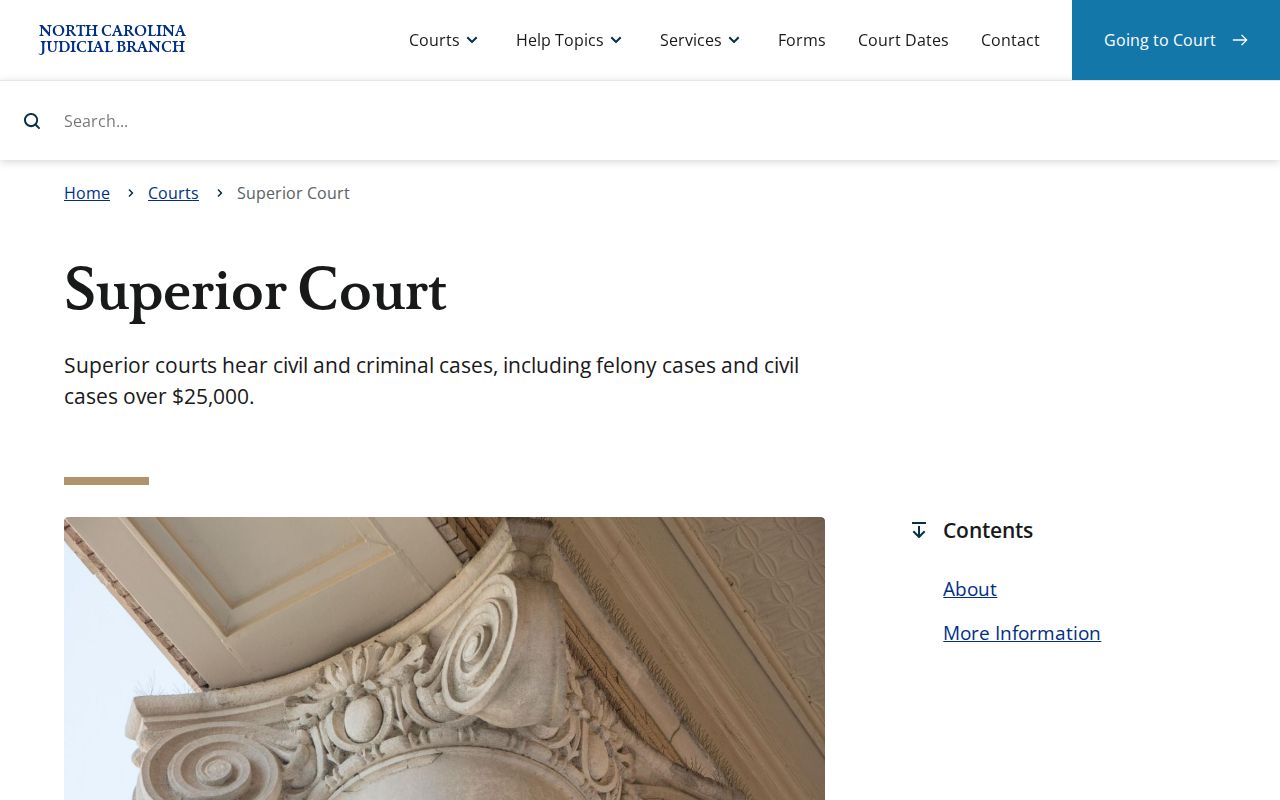
The statewide case-number pattern is what lets Portal connect a Camden Superior Court or District Court case to its public Case Summary.
Camden County Case Number Parts
That four-part structure prevents a common Camden County case search mistake: filling in the county identifier from memory. Each segment does its own job. The year marks when the case was recorded. The letter marks the case type. The six digits mark the sequence. The final three digits mark the county within the statewide system. Copying the number exactly keeps Portal's link to the Case Summary intact.
Case numbers are not citation numbers, and neither matches a judgment-index result. A citation can help you find the traffic matter. NC Judgment Search returns index fields for a judgment. Once any result surfaces, Smart Search is the way back to the fuller Camden Case Summary and its chronological Case Events.
Note: Use the exact number printed on the court paper or shown in Portal, because no Camden-specific county identifier is published.
What Camden County Case Search Returns
A public Camden County case search opens what Portal calls a Case Summary. Its other name is Register of Actions. That is the system's official name for the public chronological view of a case. Its Case Events list dated entries. That is how a reader tracks filings, hearings, orders, and dispositions over time. The view updates near real-time. Still, it is not a certified docket, and individual documents stay subject to access limits.
| Case number | The visible Enterprise Justice identifier, with its year, type letters, sequence, and county identifier. |
|---|---|
| Case Information | The published case-details category. The official training does not promise every label for every case type. |
| Assignment Information | The category for assigned court or judicial information. |
| Party Information | Publicly visible parties and roles, subject to the case and applicable redactions. |
| Causes of Action | Available where applicable for civil, family, probate, and mental-health cases. |
| Case Events | The chronological public event timeline. |
| Dispositions | Visible when entered as an outcome or resolution. |
| Hearings | The case-level setting check for scheduled events. |
| Financial Information | Visible when applicable to the case. |
Portal publishes no single Camden layout. Charge blocks, bond fields, clickable documents, and redaction behavior vary. Remember that a Case Summary row, a public filed image, and a Clerk-certified copy are three different levels of access.
Camden County Judgment Search Compared
NC Judgment Search lives inside Portal too. But it answers a narrower question than a Camden County case search. Think of it as a judgment index. You can query it by party name or case number, then narrow the results with filters for case type, status, location, and judgment date. Each hit lists the case number and disposition status. It also shows the index date and time, parties, and any judgment comments. That is thinner than a full docket view. When you need the fuller Case Summary, run Smart Search after the judgment lookup.
| Portal tool | Best use | Published result depth |
|---|---|---|
| Smart Search | Locate a Camden case by name or record number. | Case Summary categories, Case Events, hearings, dispositions, and other applicable public information. |
| NC Judgment Search | Locate a judgment-index entry by party name or case number. | Case number, disposition status, index date and time, parties, and judgment comments. |
| Search Hearings | Find a current setting by a selected location, hearing type, date range, and search key. | Current hearing location and time information, without a promise of every local calendar field. |
The Camden Judicial Branch page is the hub that ties the routes together. It links the county's Portal and calendar tools, so pick the one that fits your question, and when a hearing date truly matters, confirm the latest Case Event before relying on it.
Statewide vs Camden County Case Search
Camden County has no standalone public portal of its own. Instead, the statewide eCourts Portal serves up the local public Case Summary for Camden cases. Use the Location filter to narrow results to this county. That one-route setup pays off when you know a name but not the division. The same Camden docket search reaches public Superior Court and District Court records alike, all held under the Camden Clerk's unified custody.
| Statewide Portal layer | Camden-focused Portal search |
|---|---|
| Uses Portal across participating eCourts counties. | Uses the same Portal with Location narrowed to Camden. |
| Useful for an uncertain county or a broad public name search. | Useful for a known local case or a broad result that needs narrowing. |
| Offers Smart Search, Search Hearings, and NC Judgment Search. | Opens the Camden case’s public Case Summary when a matching record is available. |
| Does not certify records. | Still does not replace the Camden Clerk for an official court-file copy. |
Note: A Camden location filter narrows the statewide Portal result, yet what you see is still a public reference. It is not a Clerk-certified record.
Camden County Portal Case Access
Creating an account does not upgrade a Camden County case search into anything restricted. Portal training puts it plainly. Anonymous users can search publicly available court information. Registration mainly buys you saved My Cases. Attorneys with legal authority can pursue elevated access through File & Serve. But a plain account opens no door to confidential matter. So a public result may show less detail than the actual court file holds.
Public documents appear only where they are both public and nonrestricted. An order or judgment image may be available. Even so, it is not the same thing as the Case Summary timeline. Need an official copy? Identify the case and the item. Then follow the Clerk's process listed in the Camden court contact directory.
Access and Restricted Cases
Not every Camden County court record is open to the public. The Portal hides confidential case types and protected identifiers from ordinary view. Juvenile records stay closed under G.S. 7B-3000, while AOC expunction files carry their own confidentiality rules under G.S. 15A-151. A standard docket search may also leave out sealed records and unreturned criminal warrants. Protective orders and similar protected information stay out of view too.
An empty result does not prove the file is gone. The case could be restricted or expunged. It might sit outside the migrated Portal data, or still live in a paper file at the courthouse. For questions about a specific court file, ask the Camden Clerk directly. Do not trust a blank online search.
Camden County Case Search Fallback
If your Camden County case search stalls in the Portal, try the full record number. Or use a narrower name plus Location combination. The official Portal help pages are the next stop. Still stuck? Call the Camden Clerk at (252) 336-4000. You can also visit the public terminal at the Clerk's office, or ask to inspect the paper file where that is allowed. State guidance confirms that terminals can search criminal cases by name or case number. They can open civil, special-proceeding, and estate records.
Older documents call for a direct question to the Clerk. Camden's 2024 eCourts transition preserved paper documents that existed at go-live. They remain in the Clerk's office. The Camden County Courthouse is where you inspect paper files, get staff copies, or request certification. The NCAOC public-record request form covers only records NCAOC itself holds. It is not a substitute for asking the Camden Clerk about a local court file. Give the Clerk a complete case number and an exact description of the document. An older Camden court-file question then gets its clearest starting point.