
How to Search Civil Dockets
Camden puts its civil case information on the North Carolina eCourts Portal. The statewide system has been in place since the Enterprise Justice conversion in February 2024. In Smart Search, type a case number or a name in last, first middle suffix form. Then set Location to Camden so the results stay local. For a Camden civil search, the filters matter. They narrow things to Civil Actions, nonconfidential Special Proceedings, and Estates. Open the matching Case Summary or Register of Actions to read the public timeline.
That Portal result is not the Clerk's certified record. It locates the case and helps you follow it. A Camden record number has parts. It runs two-digit year, letter case type, six-digit sequence, then a three-digit county identifier. The statewide example is not a Camden number. Take the case number straight from the filing, a notice, or the Portal result instead of inventing a county suffix. Party Name and Case Number remain the documented Camden starting points in Portal.
- Open Portal Smart Search and enter the Camden party name or complete case number.
- Narrow the result by Location and, when useful, Civil Actions, nonconfidential Special Proceedings, or Estates.
- Open the Case Summary and review the parties, Causes of Action where applicable, Case Events, Hearings, and Dispositions.
- Use NC Judgment Search when the question is an indexed judgment, then return to Smart Search for the fuller timeline.
- Use the Camden Clerk’s counter, public terminal, or paper-file route when Portal does not provide the needed public record.
Camden Civil Portal Filters
Filters give a Camden civil docket search far more precision than a name alone. The official training lists several working filters. Location, party information, date of birth where public access allows, case type, case status, and filing-date range all work. Need a Camden civil court date? Use Search Hearings rather than Smart Search alone. It accepts a Camden location. It also takes a Civil hearing type, a date range, and a key such as case number, party, attorney, judicial officer, or courtroom.
The official Portal training resources also cover NC Judgment Search. Camden judgment searches run on party name or case number. You can refine by case type, status, location, and judgment date. Treat a judgment result as a locator, not a stand-in for the Camden Case Summary. It may display a case number and disposition status. Index date and time, parties, and judgment comments also appear. The fuller public case history sits in Smart Search. Registration adds My Cases bookmarking, but it does not unlock restricted Camden files.
What a Civil Docket Shows
A public Camden civil Case Summary can identify the case number plus Case Information, Assignment Information, public Party Information, Causes of Action, Case Events, Hearings, Dispositions, and Financial Information where it applies. Camden cases specifically name Causes of Action in the civil, family, probate, and mental-health categories. Portal publishes no field-by-field layout for every Camden civil matter. Public documents appear only when they are not confidential, sealed, or otherwise restricted.
| Case number | The Enterprise Justice identifier, based on year, case-type letters, sequence, and county identifier. Use the number shown in the Camden record. |
|---|---|
| Case Information | The public case-details category Portal provides for the particular Camden civil case type. |
| Parties and Causes of Action | Public participants and the claim category for applicable civil, family, probate, or mental-health matters. |
| Case Events and Hearings | The dated timeline of public activity and the scheduled court-event information. |
| Disposition and financial information | Outcome and applicable monetary categories when the Camden case has those public fields. |
Do not confuse a filed image with a Case Event row; they are different things. The Clerk, not the public case display, issues a certified copy of any Camden court-file document.
Camden Civil Court Routes
One Camden Clerk of Superior Court serves every civil route. Estate, special-proceeding, judgment, and magistrate-created small-claims records all pass through that office. Court level turns on subject matter and amount. It does not depend on separate Camden civil-clerk offices. Superior Court holds civil jurisdiction above $25,000. District Court takes civil cases under $25,000 plus family matters. Magistrates hear small claims up to $10,000 and a few other civil items. Each route still runs through the same Camden Clerk and Portal search path.
| Camden court route | Public docket context | Search starting point |
|---|---|---|
| Superior Court | Civil cases over $25,000 | Portal Smart Search, then the Camden Clerk for the court file. |
| District Court | Civil cases below $25,000 and family matters | Portal Case Summary and Search Hearings, with the same Clerk fallback. |
| Magistrate | Small claims up to $10,000 and specified civil matters | Camden Clerk-held records and Portal where public information is available. |
The Judicial Branch's District Court overview lays out the District Court and magistrate jurisdiction behind this Camden civil routing. Read it alongside the structure described here.
The state court-structure reference shows why a Camden small-claims or District Court matter can sit in a different court context. The local record custodian never changes.
Camden Civil Case Event Timing
Camden Case Events form the dated public timeline of a civil case. A filing, order, hearing, continuance, or judgment appears in sequence when public. The latest event often hints at current status. Still, it is no substitute for the filed document. Nor does it replace a certified copy from the Clerk.
Types of Civil Cases on the Docket
Camden civil dockets are not one claim category. Portal's advanced filtering recognizes Civil Actions, nonconfidential Special Proceedings, and Estates. The court hierarchy splits larger civil cases, ordinary District Court civil matters, family cases, and magistrate small claims. A Camden Case Summary may show the Cause of Action category where the field applies. Treat the public search result as a starting point. It is not a promise that every category shares the same public fields.
- Superior Court civil matters over the jurisdictional amount.
- District Court civil matters below the jurisdictional amount.
- Family matters handled in District Court, subject to access rules.
- Magistrate small claims and specified civil matters.
- Estates and nonconfidential special proceedings maintained through the Camden Clerk structure.
Access stays consistent across categories. Use Portal for the available public Case Summary. Then turn to the Camden Clerk or the courthouse public terminal for paper files, copies, and anything outside public view.
Camden Civil Magistrate Context
Magistrates in Camden County handle small claims up to $10,000. They take a few other civil matters too. That fact changes which court you are reading, not where the record sits. A Camden small-claims search still begins with the public Portal. When the online answer runs out, the Clerk of Superior Court or the courthouse public terminal holds the actual case file.
Camden Civil Judgment Index
A judgment-index hit is not the whole civil docket. NC Judgment Search reads only the public judgment indexes. It returns case number, disposition status, index date and time, parties, and judgment comments. Smart Search goes further. It opens the fuller public Case Summary, which can carry the case timeline, hearings, causes of action where applicable, dispositions, and financial information. Two tools, two different questions. The official Civil Overall Caseload Activity Report lays out the statewide categories used to describe county civil court activity.
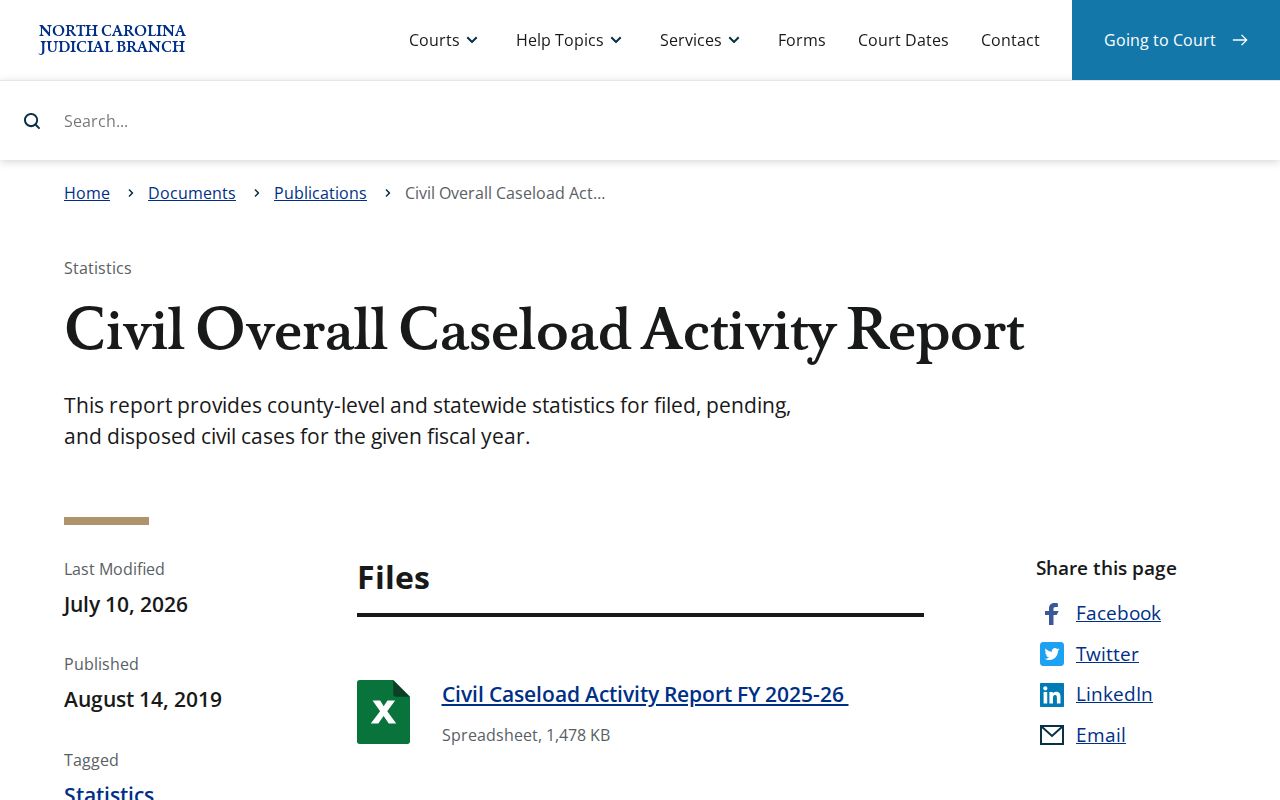
That report gives category-level context for Camden civil dockets. For one case's timeline, the Portal record or the Camden Clerk-held file is the real source.
Settings and Hearings on Civil Dockets
Three routes reveal Camden civil hearings. The Case Summary has a Hearings category, Portal Search Hearings offers a detailed query, and the county-filtered Civil Calendars channel lists dates. The Camden Civil Calendars page is one more date source, though its JavaScript-driven display does not expose a complete public field list. Portal Search Hearings is the most precise route. Set the Camden location and Civil hearing type. Choose a date range, then search by a case, party, attorney, judicial-officer, or courtroom key. The Camden civil calendar is the Judicial Branch's county-filtered civil calendar channel.
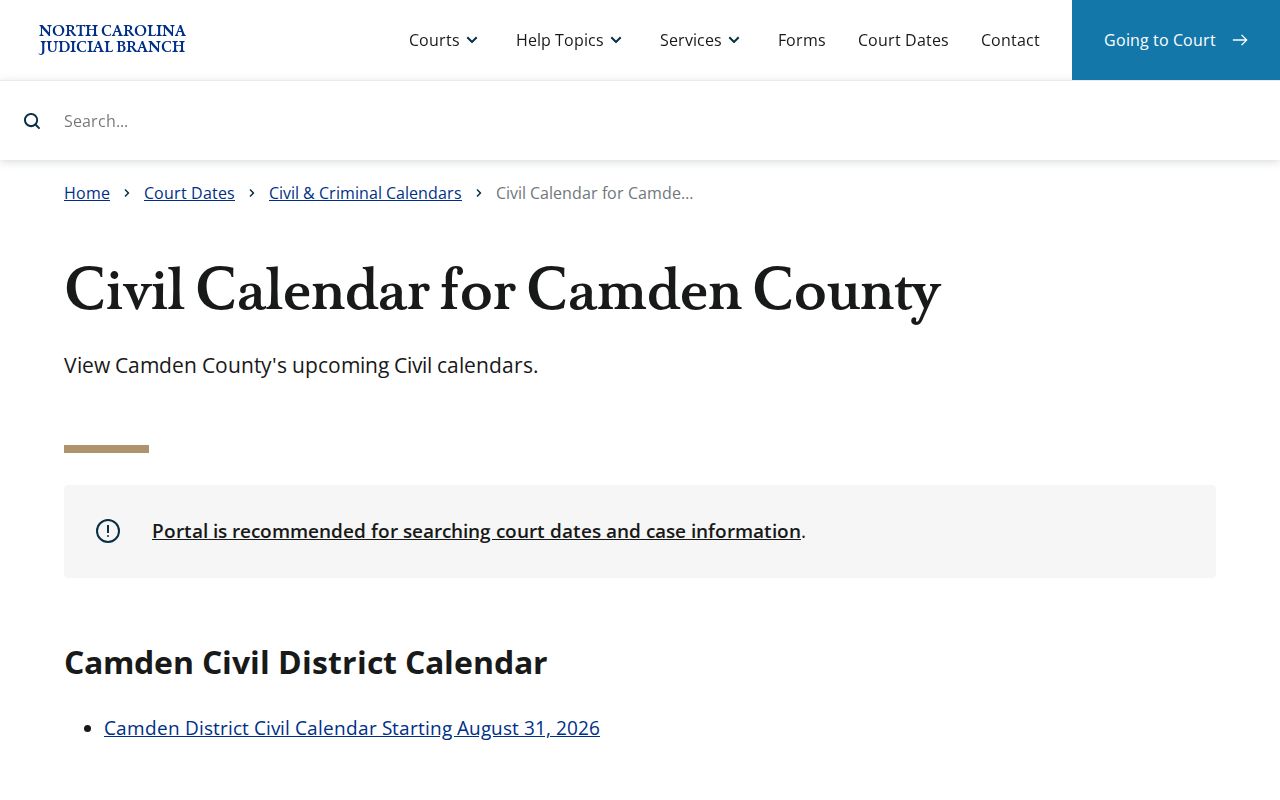
Read the Camden civil calendar view alongside the latest Camden Case Summary Hearing entry. That matters most when an earlier Camden date was moved or replaced.
Camden Civil Hearing Requests
District 1 civil scheduling follows a documented local procedure. A party who wants a hearing prepares and serves the Request for Civil Action Hearing / Order of Assignment. The party confers about availability first. The form is then submitted electronically. If the court approves it, an Order of Assignment is entered and distributed. This is why a Camden civil docket can show an earlier request or assignment order in Case Events. It can appear before any hearing shows up. So a Camden civil setting is never a phone booking. The formal request, the order, the hearing can each leave a public Camden timeline. So can a later continuance, a reset, or the disposition. Confirm the real Camden setting through the latest Hearing entry, Search Hearings, the civil calendar, or the Camden Clerk at (252) 336-4000. Keep records questions with the Clerk, since judge-office and Clerk contact roles are separate. Note: A Camden civil hearing entry often follows a request-and-assignment sequence, so earlier Case Events can matter when you read a setting.
Public Access to Civil Dockets
Court files, dockets, and indexes kept by the Camden Clerk are generally open for inspection during regular office hours. Law or a court order can limit access. Public Portal Case Summaries can display available information for public case types. Public documents may appear there too. They stay off the Portal if confidential, sealed, or otherwise restricted. Registering an account does not unlock a protected case. Treat the public display as one view of the file, never the whole of it.
Key rules for Camden civil dockets:
G.S. 7A-109 directs Clerks to maintain court records, files, dockets, and indexes and generally opens them for public inspection.
G.S. 132-1 states North Carolina’s public-record policy, subject to laws that make particular material confidential.
G.S. 7A-308 sets the Clerk’s statutory copy and certification charges for court-file work.
Camden Civil Papers Outside Portal
Camden's eCourts conversion did not turn every historic paper document into a public Portal image. Official transition guidance says paper documents that existed at the 2024 go-live stayed in the Clerk's office. Migration delays could affect Portal indexing. When an older Camden civil paper is not online, call the Clerk. You can also use the courthouse public terminal, inspect the paper file where permitted, or request a copy. The Camden courthouse page identifies the local recordkeeping location for that fallback chain. For Clerk-prepared copies, G.S. 7A-308 sets $2.00 for the first page of each document. Each additional page or fraction costs $0.25. A certificate under seal costs $3.00. An exemplification runs $10.00. Those are Clerk charges, not Portal access charges. Confirm the total and the exact document with Camden before any large request. Note: A Camden civil document missing online may simply be a paper-file or access question. It is not proof that the court record itself is unavailable.
Camden Civil Clerk Contact
The Camden court contact directory lists the local Camden court offices. For a civil file, a copy, a certification, a paper record, or a public-terminal question, one office matters. The Clerk of Superior Court is the records office. The Camden Clerk's published main number is (252) 336-4000. A request goes more smoothly when it names the case number and the document needed.